
How to check sync status
Track how your posts are moving through processing in the Sync status modal. It groups your posts by status and shows each individual post, so you can see what is done and what is still in progress.
Open Sync status
Click Sync status in the toolbar
The modal opens as a summary of your posts by status. Reopen it any time from the same button.
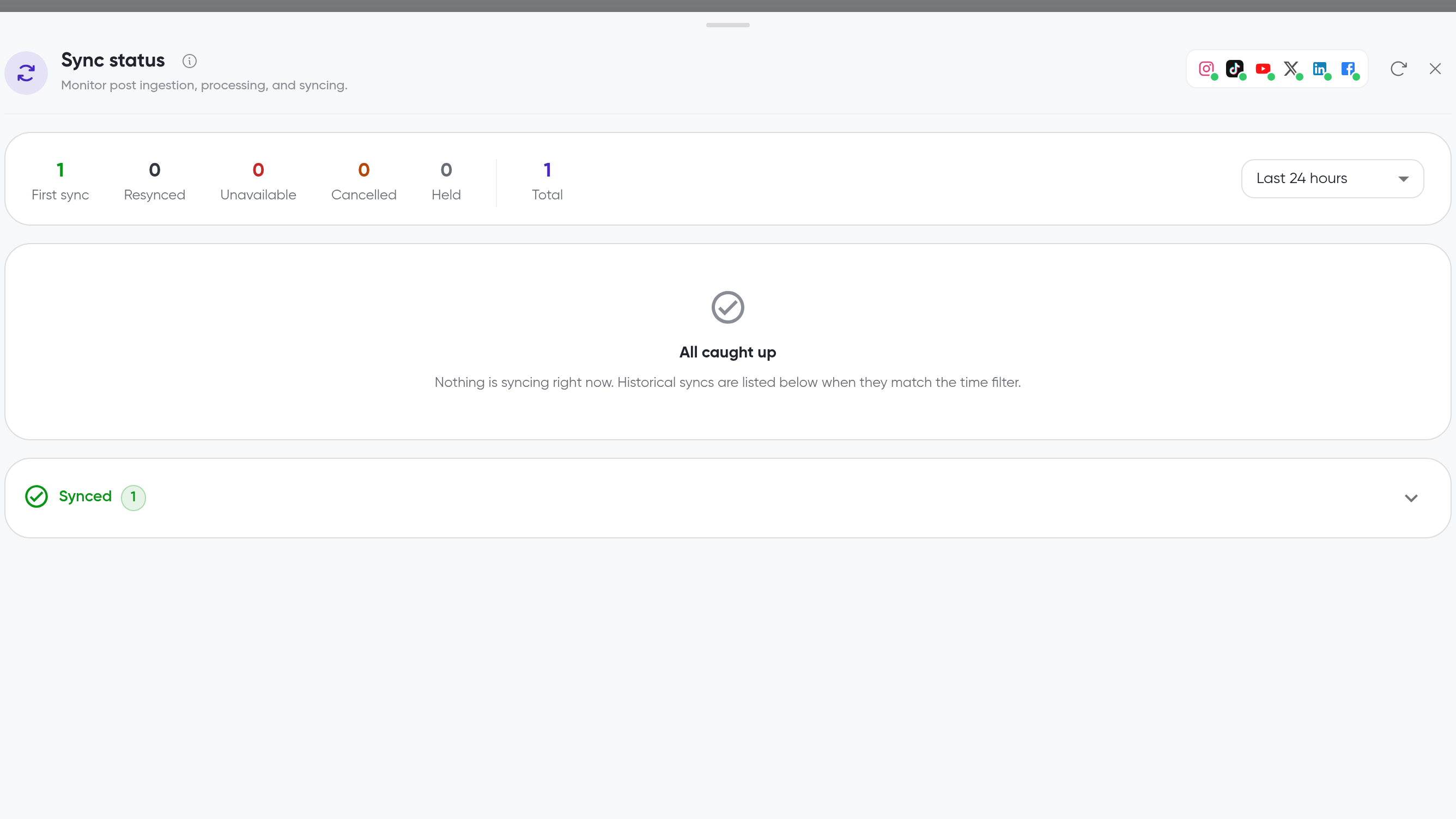
Read the status summary
The modal summarizes your posts with a counter for each status: First sync, Resynced, Unavailable, Cancelled, and Held. A Total counter shows how many posts are in the view.
Use the time filter at the top of the modal to narrow the view to the last 24 hours, week, month, or 3 months, or all time.
When nothing is processing, the modal shows All caught up.
See the posts behind each status
Each status section expands to show its individual posts, so you can identify exactly which posts are in that state.
Click a status section to expand it
Review the posts listed, with columns for status, account, platform, posted date, views, and likes
Unavailable and Held are two of the status categories in the modal. Expand either section to see which posts it lists.
What's next
For what happens while your posts process and how long it takes, see How posts are processed. To refresh comment data for posts that are already uploaded, see How to sync posts. To add new posts, see How to add posts.