
How to add content tags to posts
Content tags label posts with attributes like content type, theme, format, or audience. Apply tags while adding posts, on individual posts, in bulk, or from the home page Tags sub-tab.
Adding content tags while uploading posts
Tags are applied in the Categorize step of the Add Content flow, which runs Upload, Categorize, Automations, and Confirm.
On the home page, click Add Content
Add your posts in the Upload step
Continue to the Categorize step
Under Select or create content tags, type in the search field to find existing tags, and click a tag to select it
To create a new tag, choose the create option. This opens the Create New Content Tag dialog with a Tag Name field (up to 30 characters, shown as a 0/30 counter) and a naming template option. For naming patterns, see How to use naming templates
Click Apply to apply the selected tags and continue to the Confirm step
After posts finish processing, the tags appear in the Tags column of the post table.
Updating content tags of individual posts
Open the post you want to tag from the post table
Go to the Tags section at the bottom of the Content panel on the left
Search for existing tags in the search field, or create a new tag (the Create New Content Tag dialog opens)
Click Apply
The tags appear in the Tags section of the content panel for that post.
Updating content tags of posts in bulk
Navigate to the post table for the collection or view that contains the posts you want to tag
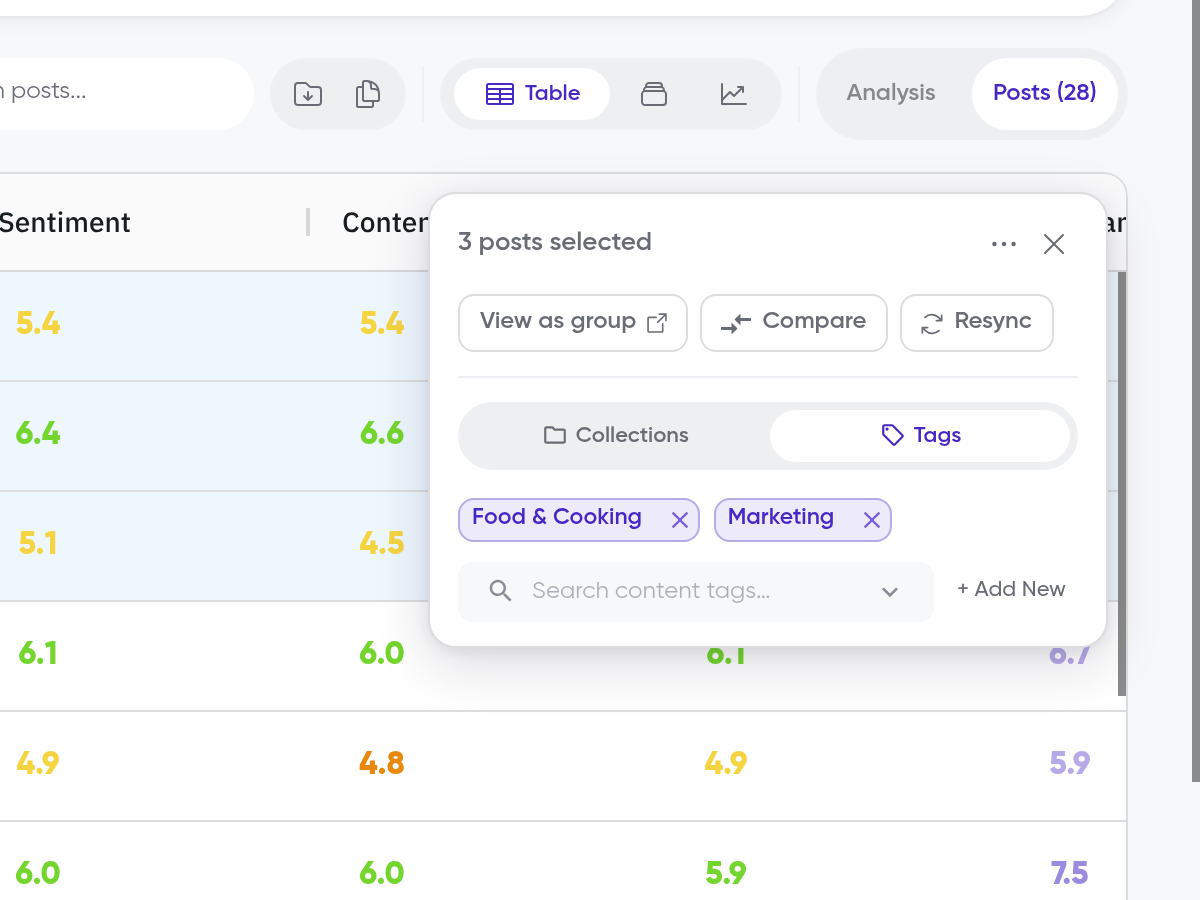
Select the posts using the checkboxes in each row
In the panel that appears, open the tag options
Search for existing tags, or create a new one
Click Apply
The selected tags appear in the Tags column for each selected post.
Create and manage tags from the home page
The home page has a Tags sub-tab that lists all of your content tags, with Sort and Apply options.
From the home page, click Show Tags to reveal the Tags sub-tab
Open the Tags sub-tab to browse your content tags
Use Sort and Apply to work with the tags shown
To create a tag from here, click + Add New on the Content Overview. The Create New Content Tag dialog opens, where you enter the Tag Name and choose a naming template.
What's next
If you haven't added posts yet, see How to add posts. To assign existing posts to collections the same way you assign tags, see How to add posts to multiple collections. To filter your analysis by tags, see How to start analyzing comments.