
How to update comment sentiment
Correct a misclassified comment by updating its sentiment in the Comments section at the bottom of an analysis. You can update one comment at a time or several in bulk, then save the changes so your scores and insights reflect the correction.
Sentiment uses five levels: Positive, Lean positive, Neutral, Lean negative, and Negative.
Updating a single comment
Use this when one comment is classified as more positive or more negative than its actual tone. You can also adjust how relevant the comment is to the post topic at the same time.
Open an analysis and select the post or grouping you want to review.
Scroll to the Comments section and hover over the comment you want to change.
Open the score editor for that comment.
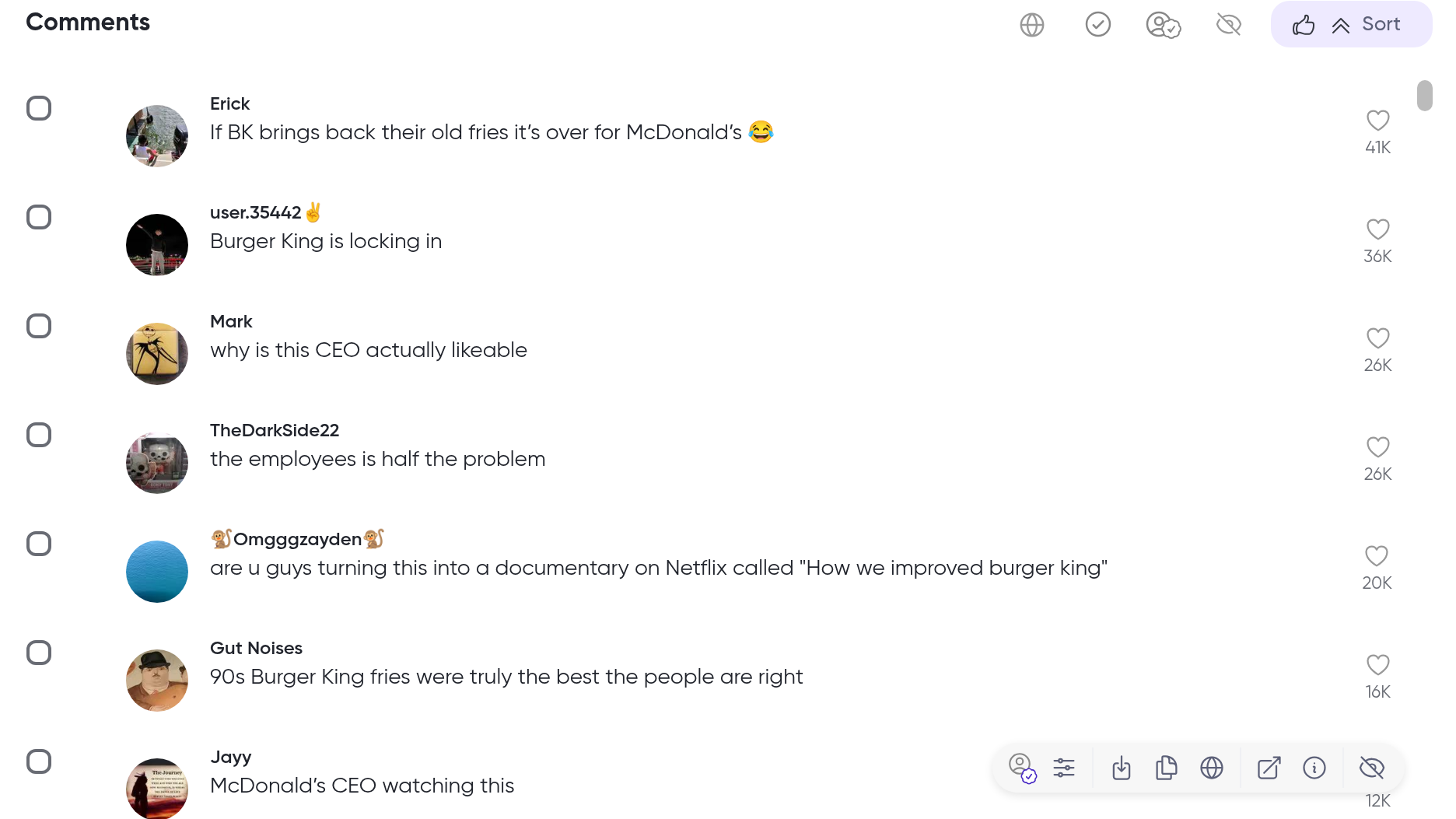
Choose the new sentiment: Positive, Lean positive, Neutral, Lean negative, or Negative.
Optionally set the Relevance Score the same way (On-Topic, Relevant, General, or Off-Topic).
Apply the change.
In analyses shared with you, the score editing action is hidden.
If your analysis uses the newer scoring framework, the sentiment options are labeled Content Sentiment and Topic Sentiment instead.
Using the comments toolbar
The toolbar above the comments has two score tools: Check scores and Filter custom scored comments, which narrows the list to the comments you have scored yourself.
Updating multiple comments in bulk
Use this when a group of comments shares the same misclassification and you want to correct them at once.
Open an analysis, select the post or grouping, and scroll to the Comments section.
Click the checkbox next to each comment you want to update. To select all visible comments, click Select all in the action bar.
In the action bar at the bottom of the list, open the bulk edit control.
Choose the new sentiment for all selected comments: Positive, Lean positive, Neutral, Lean negative, or Negative.
Optionally set the Relevance Score the same way (On-Topic, Relevant, General, or Off-Topic).
Apply the change.
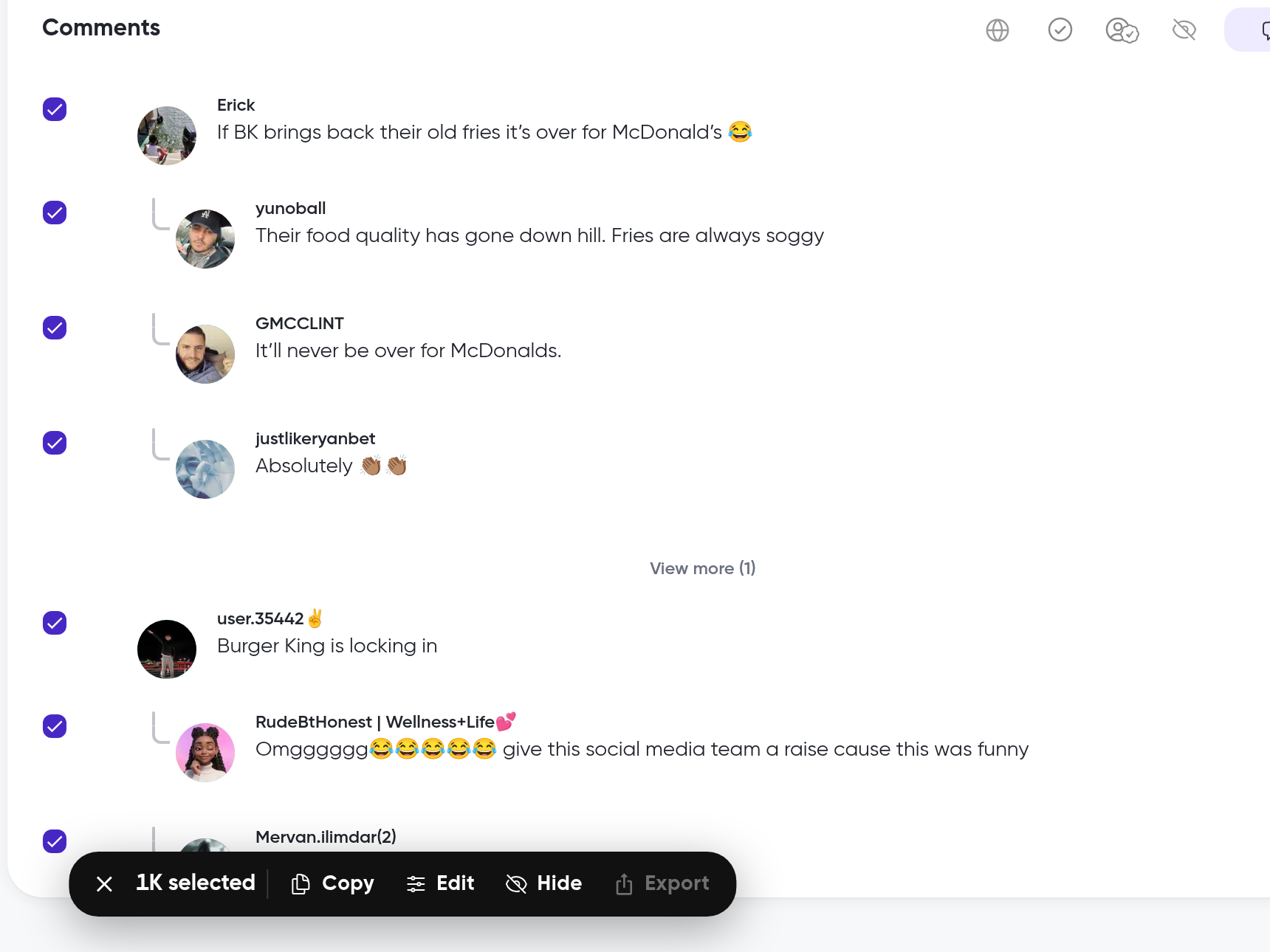
Saving your score changes
Edits are staged when you apply them. The analysis doesn't change until you save them.
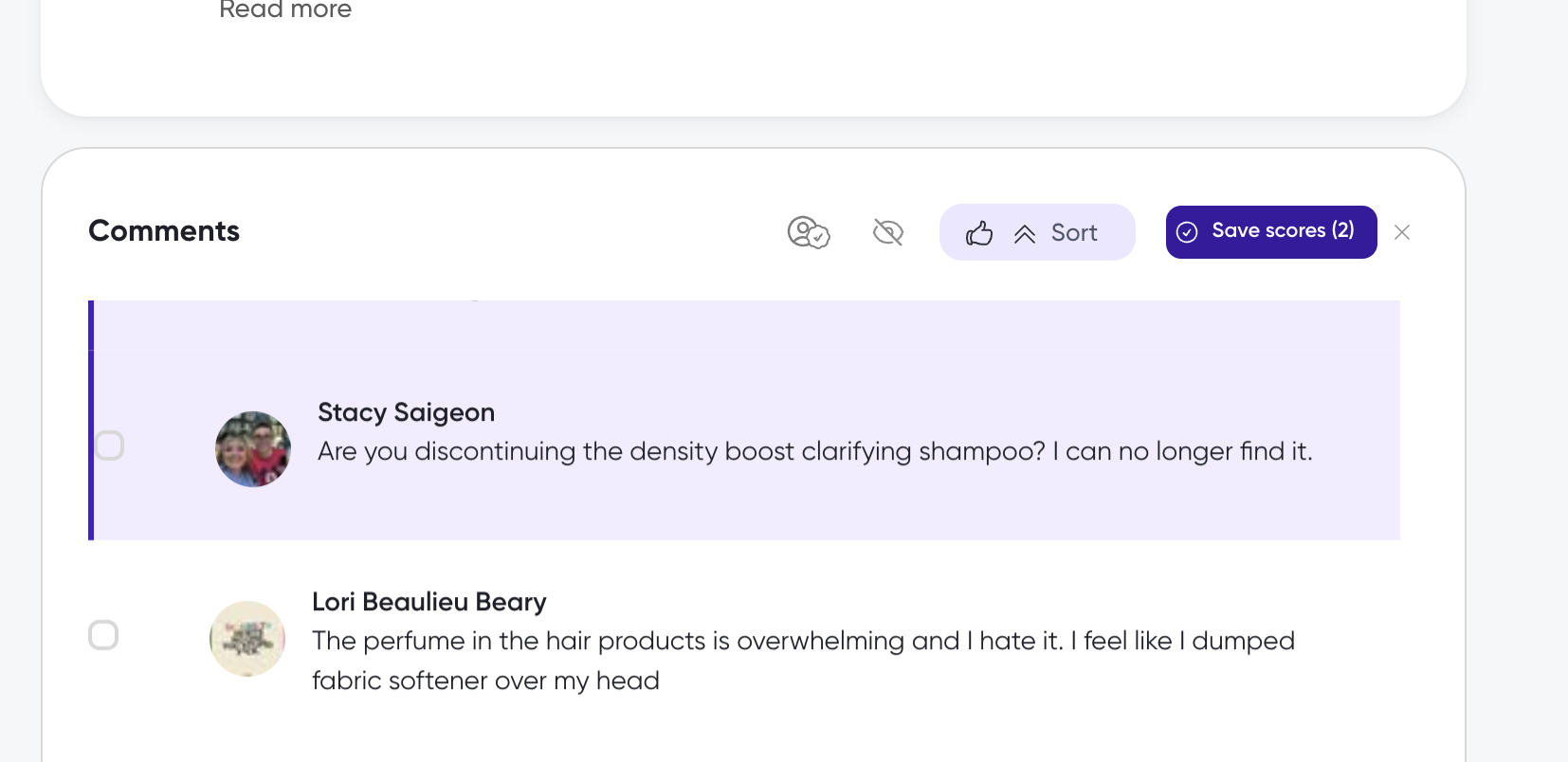
Click Save scores at the top of the Comments panel. The button shows the number of comments with pending changes.
Wait for the save to complete. The staged-changes bar clears and you'll see a Scores saved confirmation.
Click Refresh insights to regenerate insights, themes, and scores with the corrected classifications.
What's next
How to filter comments to isolate comments by their updated sentiment
How to interpret sentiment scores to understand what each sentiment category means
How to export comments to share the corrected comments