
How to export comments by sentiment
While Siftsy intends to serve as an analysis platform to extract insights from the comments and not as a bulk comment exporter, you can export comments by sentiment by filtering the comment section from positive to negative, then copying the filtered results as structured text. This is useful for building client reports, sharing feedback with internal teams, or creating sentiment summaries outside Siftsy.
Filter comments by sentiment
Open the analysis that contains the comments you want to export
In the Explore card, click Select Filters
Choose Sentiment and select Positive, Negative, or Neutral
Apply the filter
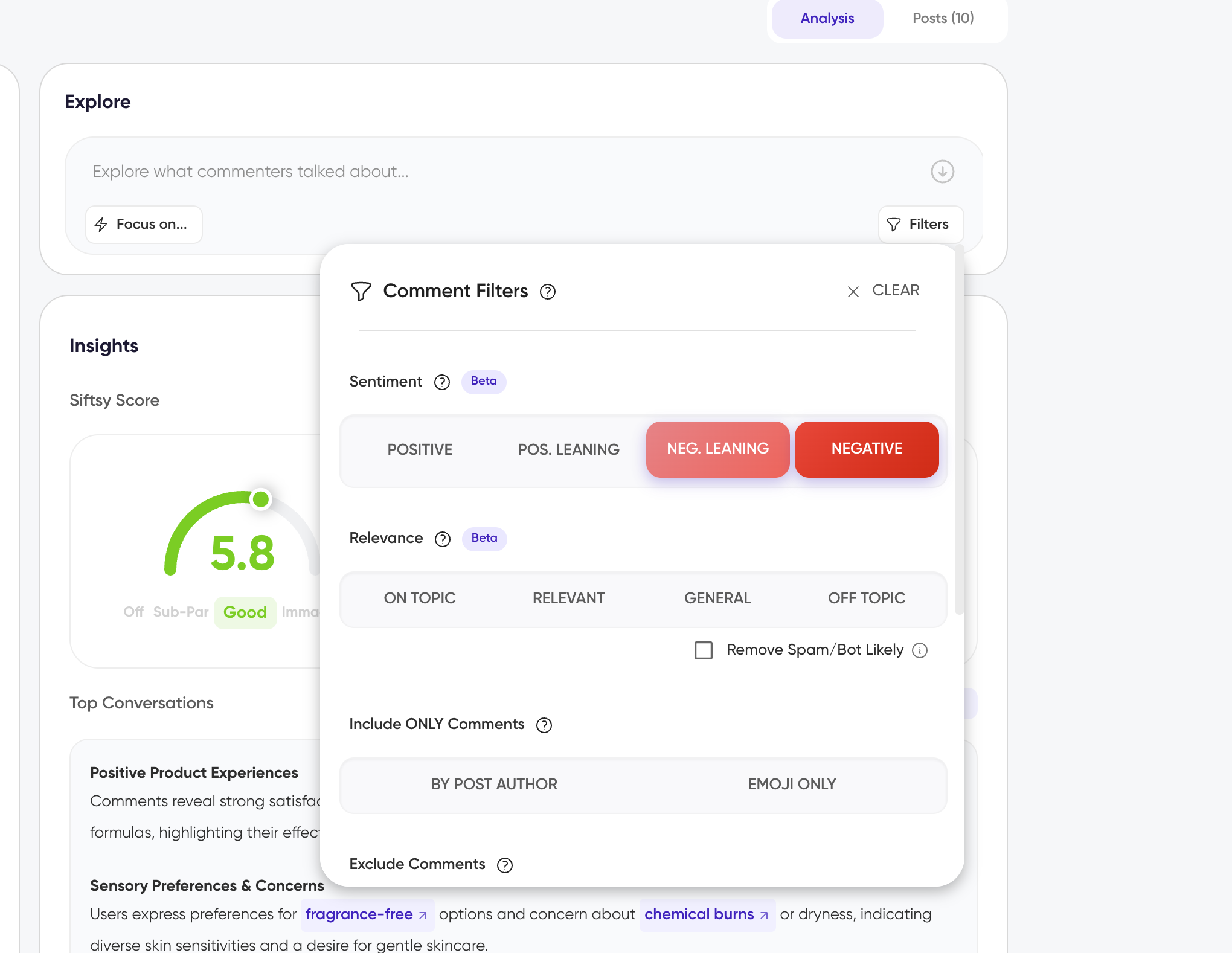
A new analysis tab appears below the Explore card with only the comments matching that sentiment.
Export the filtered comments
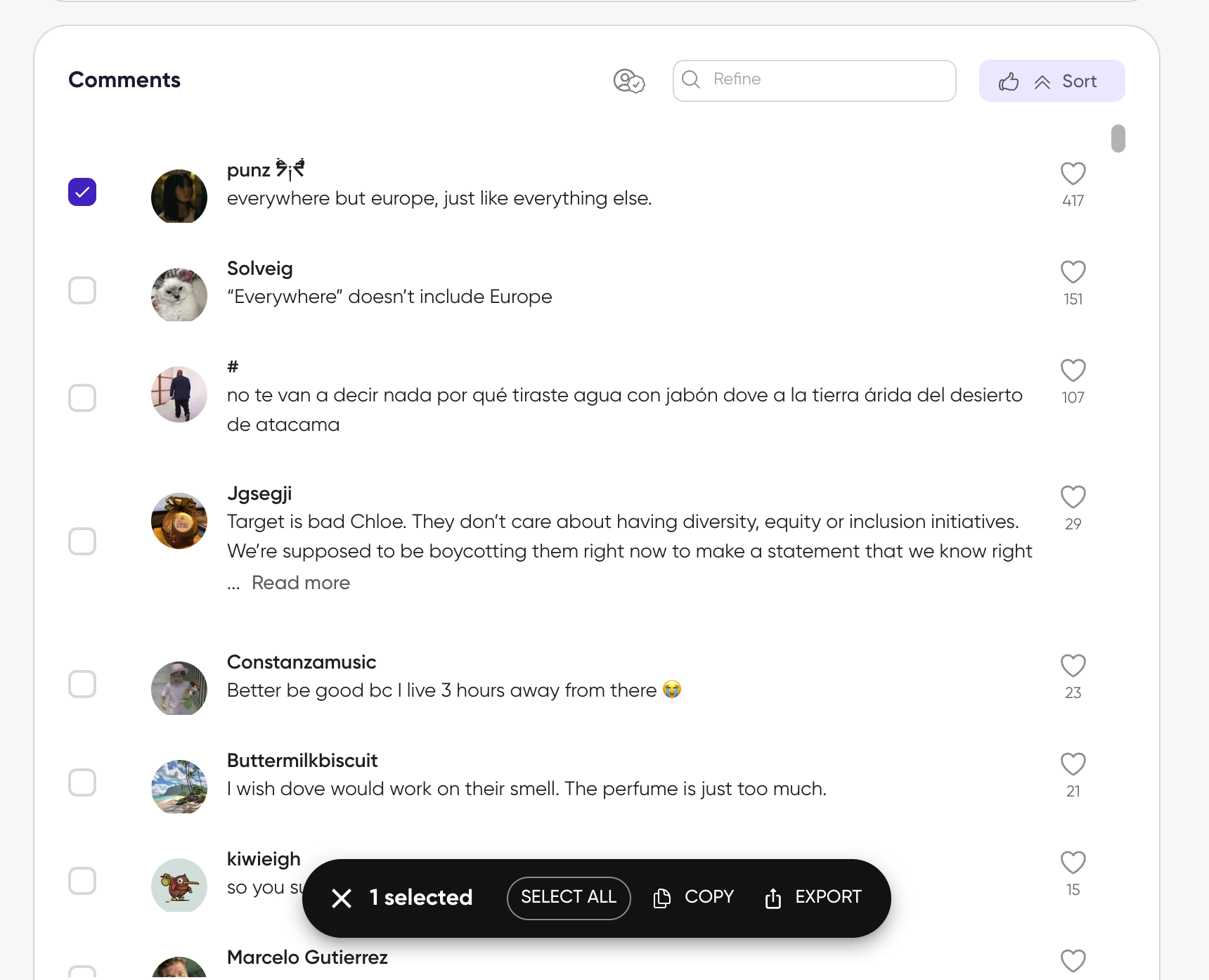
Scroll to the Comments section in the new filtered tab
Click Select All in the action bar above the comments
In the action bar at the bottom, click Copy
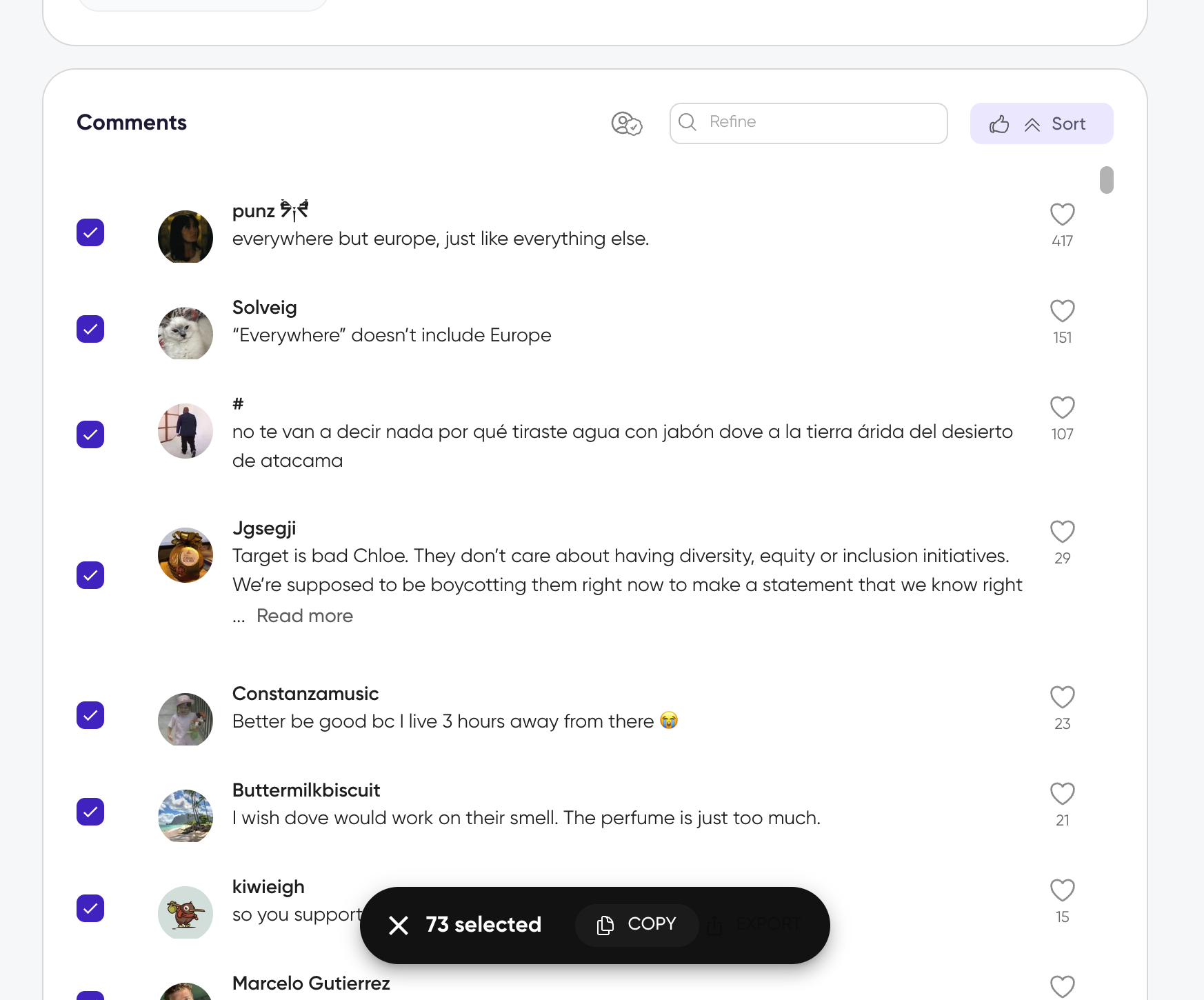
The selected comments are copied in a structured text format with username, comment text, and like count. Paste it into a spreadsheet or document.
If you want to jump straight to sentiment filtering from the Insights card, hover over the sentiment section and click Filter by sentiment. This opens the Explore card with sentiment filters ready to apply.
Image export limit
Bulk image export is limited to 20 comments at a time. If you need to export filtered comments as images, select them in 20-comment increments.
What's next
How to filter comments for more filtering options
How to export comments for individual comment exports and image export details
How to export an analysis for full report exports including insights and summaries